Voices
A free online voice, a natural voice on your computer, your own cloned voice, or your recording.
Pick a voice
| Voice | Where it runs | Good to know |
|---|---|---|
| Free Google voice | Online, no key | 7 voices: US, UK and Australian English, Arabic, French, Spanish, German |
| On this computer (Chatterbox) | Your computer | 20 languages incl. Arabic. Each sentence is checked by ear and redone if wrong |
| My voice | Your computer | A clone of your voice from a 3–30 s clip |
| Google Cloud | Online, your key | 16 natural Neural2 / WaveNet voices |
| My own recording | — | WAV, MP3, M4A, AAC or FLAC, synced to your script |
Clone your voice
- Open Settings → My voice.
- Record 3–30 seconds with the microphone, or import a clip.
- Tick the consent box and save. My voice now appears in every voice list.
Only clone your own voice, or a voice you have permission to use.
Narration style
For voices on your computer, pick a mood: Natural, Narration, Documentary, Explainer, Ad, Energetic or Dramatic.
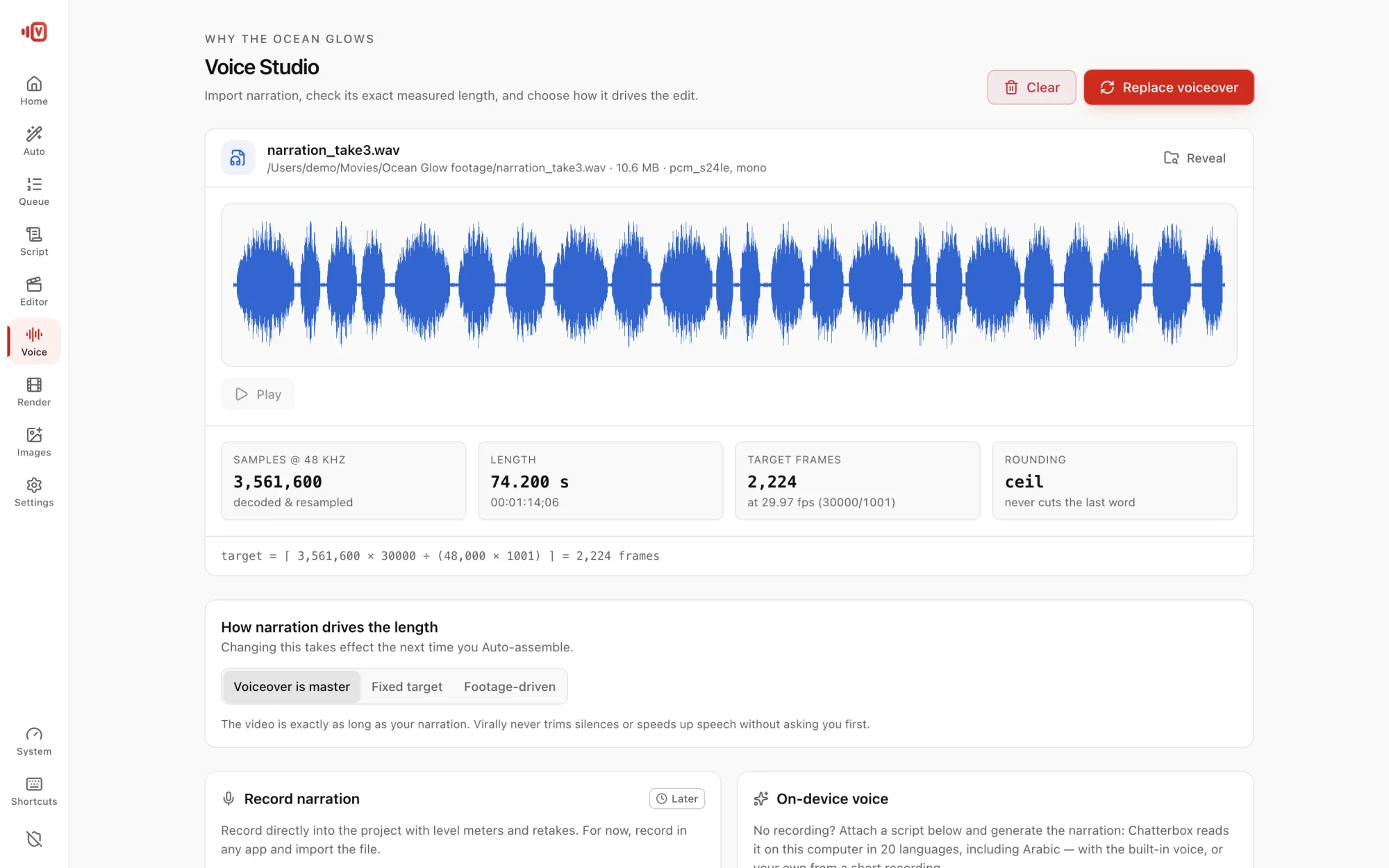
Use your recording
Choose My own recording. If you also gave a script, the audio is aligned to it. If not, it's transcribed on your computer and becomes the script.