Settings
Speed, storage, privacy, voices, content filter and language: what each section does.
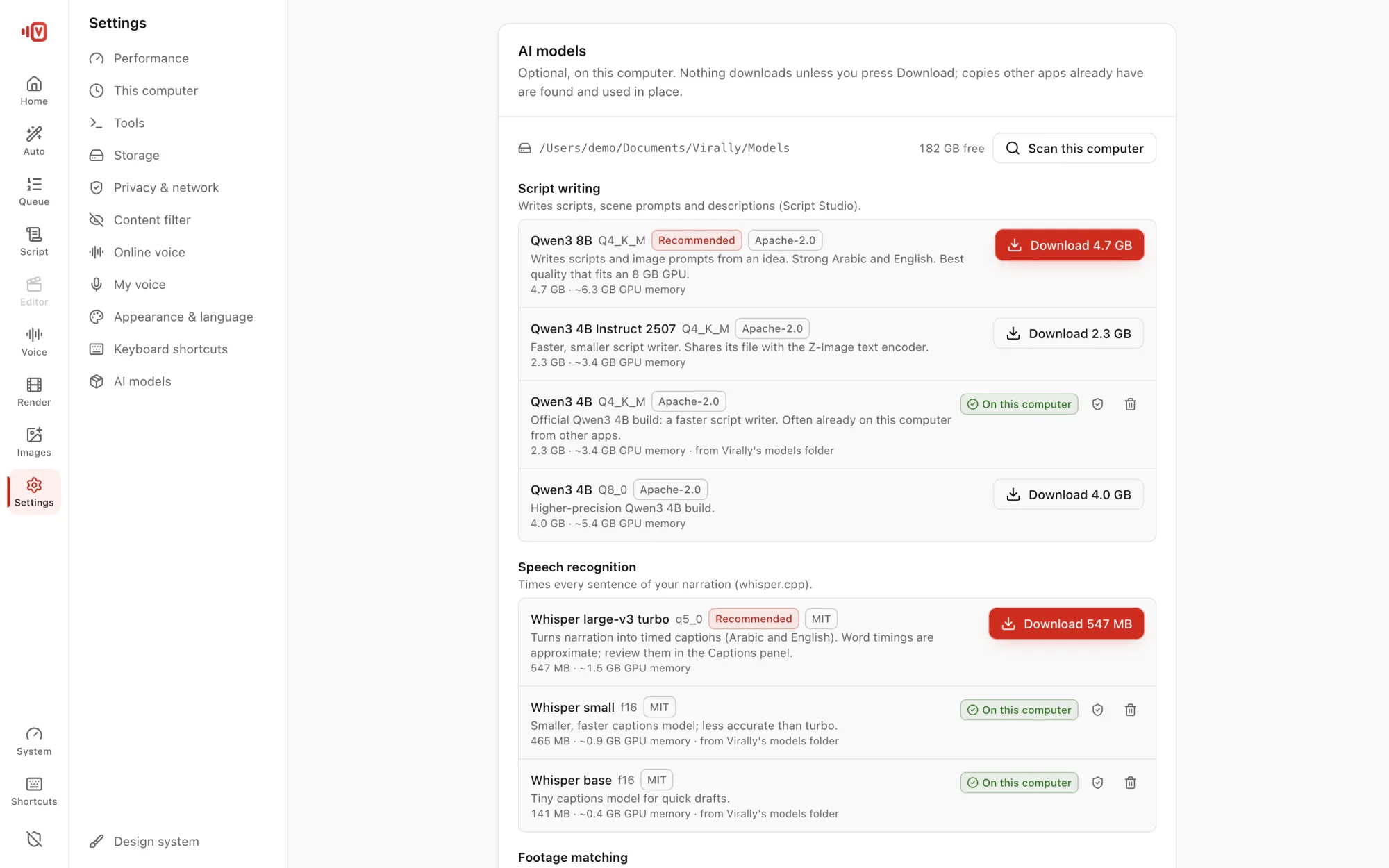
Sections
| Section | What it does |
|---|---|
| Performance | Auto, Eco, Balanced or Performance; how hard the computer works |
| Storage | Projects and models folders, external drives, clean the cache |
| Privacy & network | Offline Mode (off by default). No accounts, telemetry or uploads |
| Image model | Choose the model that draws scene images |
| Content filter | Optionally leave out shots of women with uncovered hair |
| Online voice | Add, test or remove your Google Cloud key |
| My voice | Record or import your voice clone |
| Appearance & language | Dark or light theme, motion, English or Arabic interface (preview) |
Content filter
When on, an AI on your computer checks every shot and hides ones showing women with uncovered hair; they're marked Filtered. It's automatic, so review the result before publishing.
Projects on an external drive
Add several storage locations and switch between them. If the drive in use is unplugged, Virally asks what to do instead of failing.