Render and publish kit
Render the video, then take everything YouTube needs: thumbnails, Shorts, title ideas, description, tags and chapters.
Render
In Render, pick 720p or 1080p and Draft, Standard or High quality. A check runs before (missing files, space) and after (black frames, silence). Render again reuses everything already made, so it's fast.
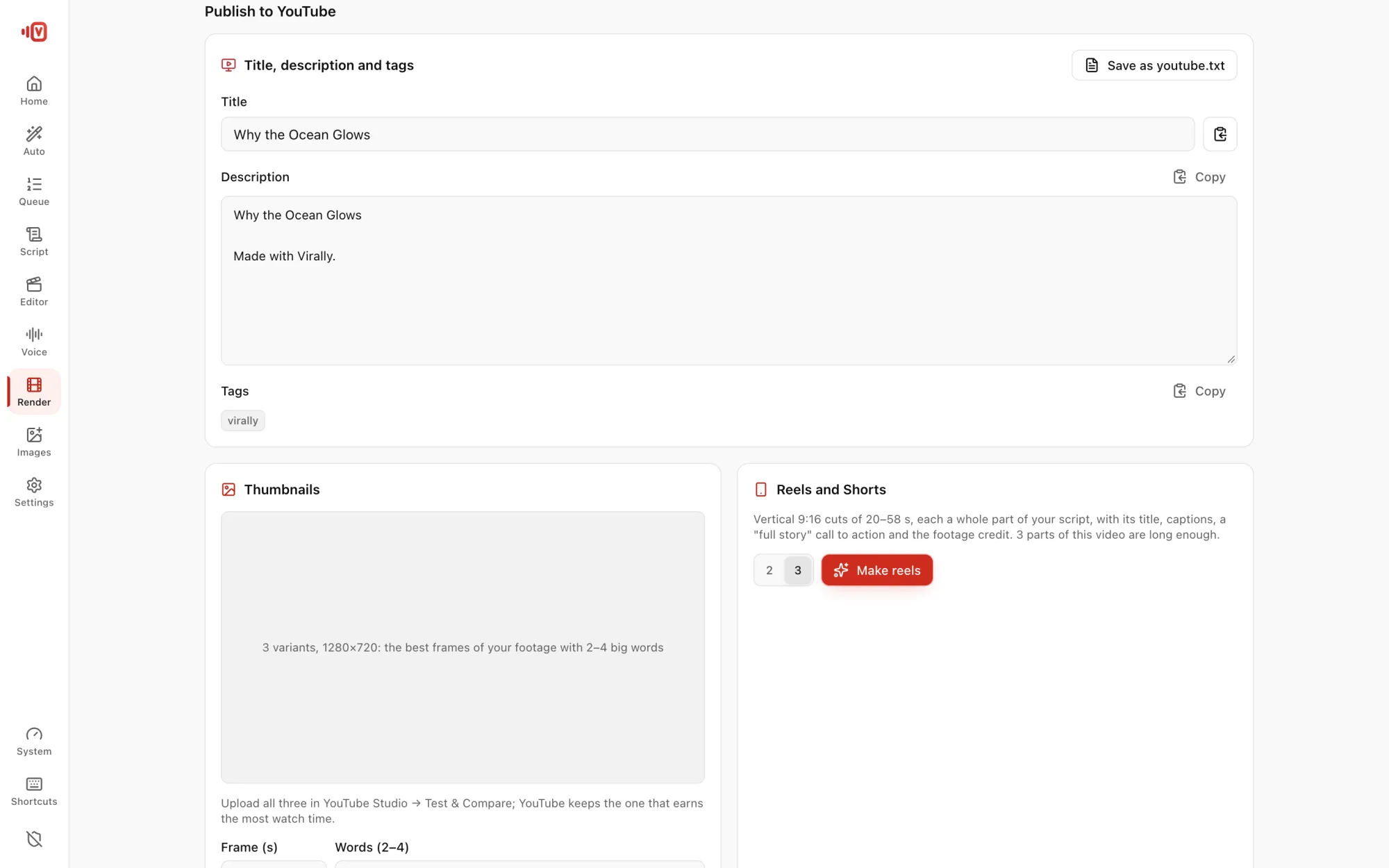
Thumbnails
- Make 3 thumbnails: 1280×720, each a different shot from your video.
- 2–4 big words that add to your title, with the key word in yellow.
- The bottom-right corner stays clear for YouTube's time badge.
- Upload all 3 to YouTube's Test & Compare and let viewers choose.
Shorts and Reels
Choose 2–5 vertical 9:16 clips (20–58 s), cut on sentence boundaries, with captions and hashtags. Auto Video makes 3 by itself.
Title, description and tags
The Publish to YouTube panel gives a title plus other title ideas, a description with chapters from the real narration timings, 12–20 tags and one short credit line. Each has a copy button, and all of it is saved in youtube.txt next to the video.
Clips under CC BY or CC BY-SA need credit: keep the credit line in your description.