Learn a channel's style
Paste a YouTube channel. Virally reads a few of its videos and learns how they are written, so your scripts get the same pace and feel, in your own words.
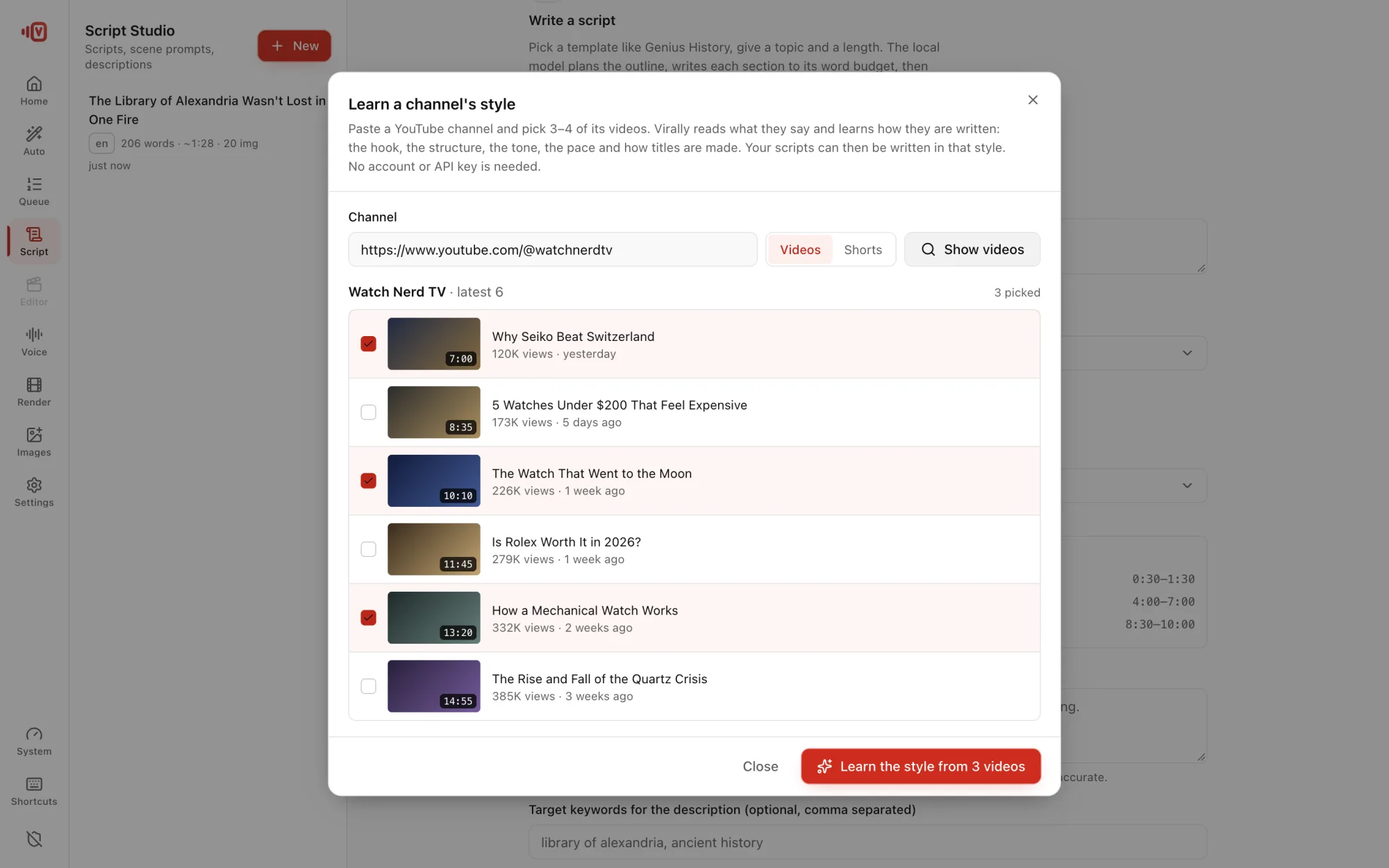
Learn it
- In Script → Write with AI, click Learn a channel's style from its videos.
- Paste the channel link or @handle and press Show videos. You see its latest videos with views, age and length.
- Pick 3–4 videos and press Learn the style from N videos.
- Virally reads their subtitles (or transcribes them on your computer when there are none) and saves the style as a template.
What it learns
- Words per minute and typical video length.
- How long sentences are and how sections open.
- Whether it's fact-heavy or story-driven.
- Example titles and voice, so the AI matches the tone, not the text.
Video ideas from their hits
With a learned style, click Video ideas from <channel>'s most viewed videos. Virally ranks their videos by views per day and suggests 8 ideas for your own take, each showing which video inspired it.
Use it
Press Use this style, or pick it later under Writing style in Auto Video.
Learn the style, don't copy the content. Your scripts should be your own facts and words.